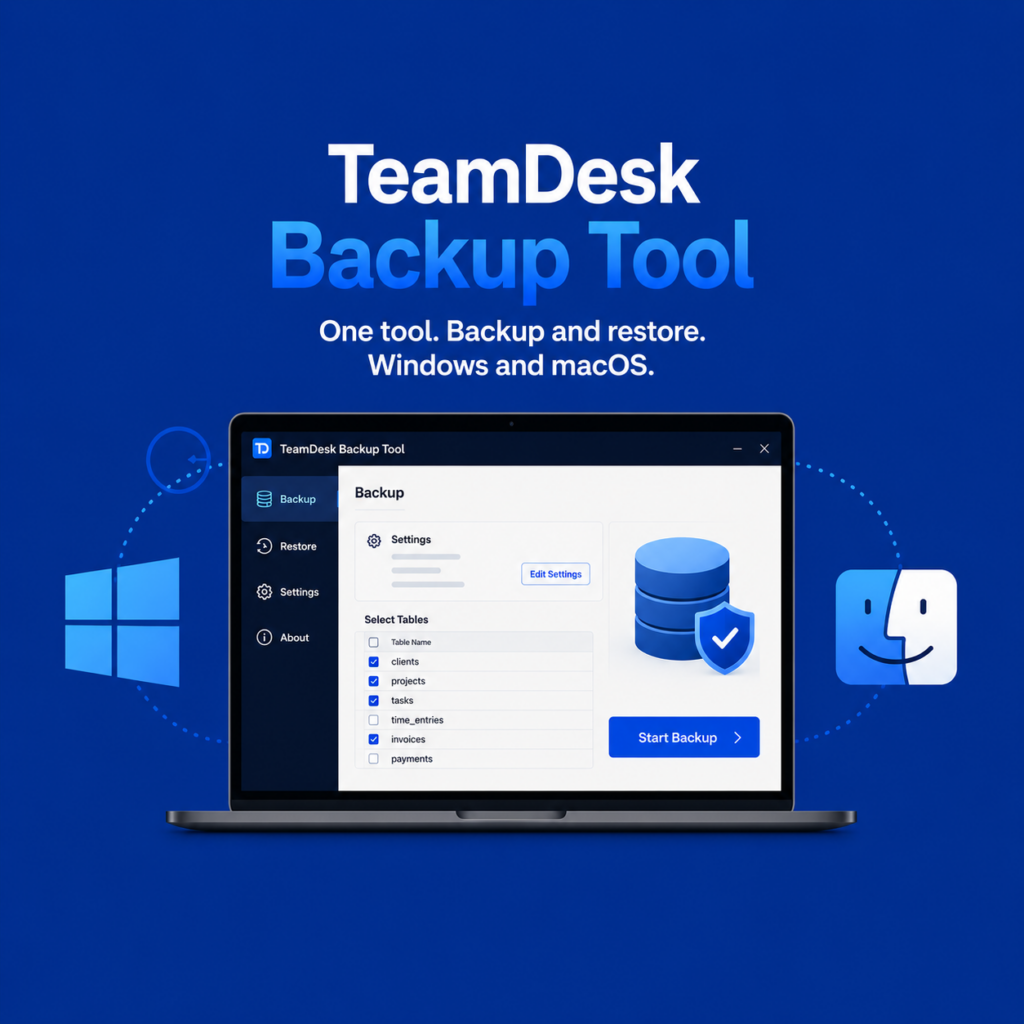
Previously, TeamDesk users relied on two separate Windows-only utilities for backup management: tdbackupwin for creating backups and tdrestorewin for restoring them. With the introduction of the new TeamDesk Backup Tool, these separate utilities have been replaced by a single modern application that combines both backup and restore functionality into one streamlined experience. And, new tool is now available on both Windows and macOS platforms.
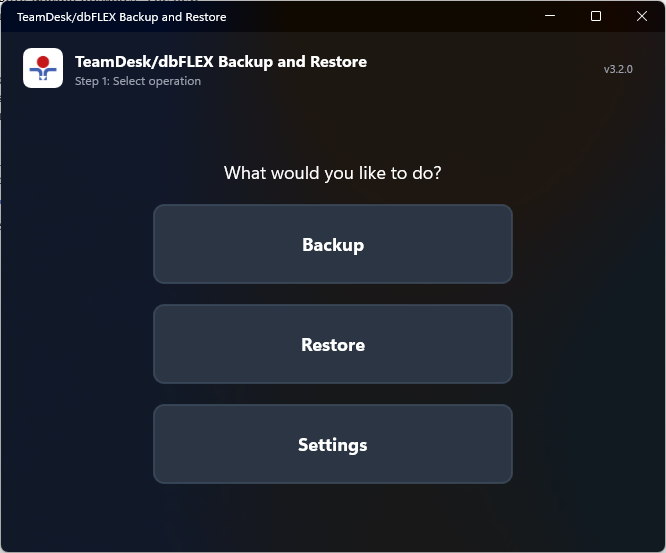
Each platform has its own installation package to provide the best native installation experience, while the application itself delivers the same interface and workflow across operating systems. This consistency makes it easier for teams working in mixed-platform environments to use and maintain the tool without having to learn different processes for different systems.
Beyond simply merging the previous utilities, this release introduces several important usability improvements designed to make backup management more flexible and user-friendly.
One of the biggest additions is the new visual settings editor. In the past, many configuration changes required manual editing of configuration files, which could be inconvenient for less technical users and increased the risk of configuration mistakes. The new graphical settings interface makes configuration significantly simpler and more intuitive. Users can now review and modify backup settings directly within the application in a much more convenient way.
We also enhanced the backup process itself by adding a table selector feature. Instead of always backing up the entire database, users can now choose exactly which tables should be included in a backup operation. This provides more control over backup size, execution time, and exported data, making the tool more practical for a variety of workflows and maintenance scenarios.
Another major improvement is the introduction of installer-based distribution for both Windows and macOS. The new installers simplify deployment, reduce setup friction, and help ensure a smoother installation experience from the start.
Overall, the new TeamDesk Backup Tool delivers a more modern, reliable, and consistent backup experience across both supported platforms.