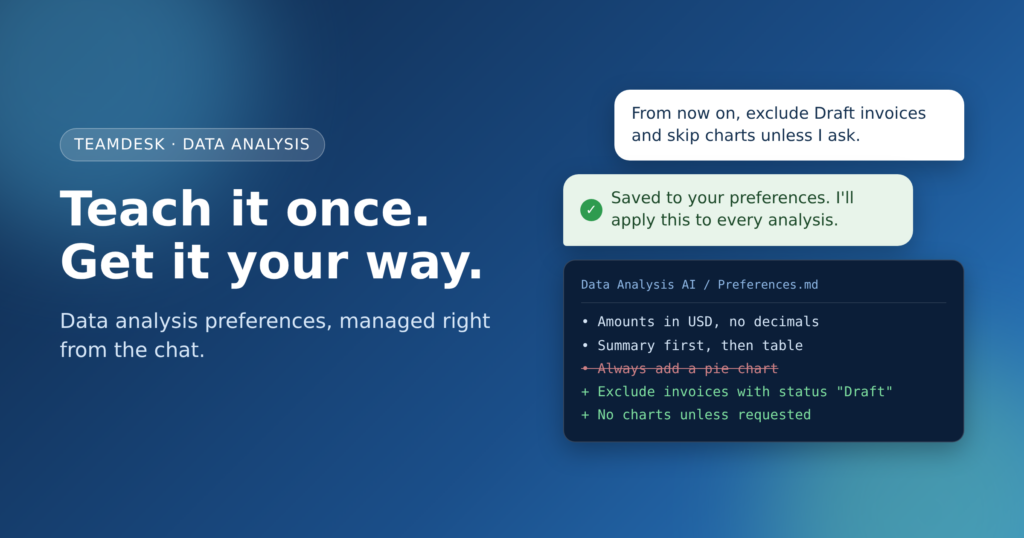
We changed that. TeamDesk Data Analysis can now remember how you want your analysis done, and what you never want it to do. You tell it once, in plain words. Next time, it already works your way.
The problem with starting from zero
AI analysis is fast, but it doesn’t know your habits. It picks a default date range. Or it groups by the wrong column. It adds a pie chart you’ll never use. So you correct it, and the result gets better.
Then the chat ends. The next conversation starts from zero, and you make the same corrections again. Small fixes add up. After a few weeks, they feel like a tax on every report.
How data analysis preferences work
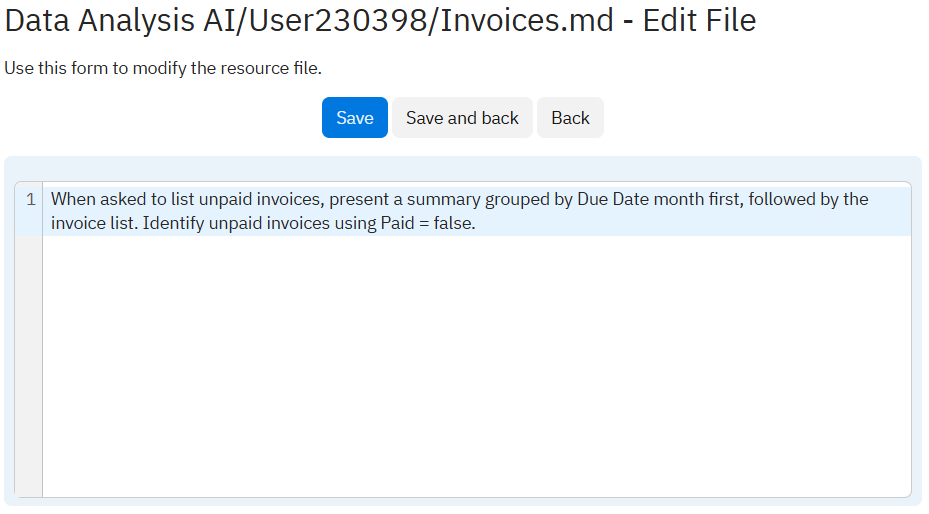
Data Analysis now keeps a preferences file for your database. It’s a plain resource file, like the other instruction files that shape how the AI analyzes your tables. The difference is who maintains it. You don’t open setup and edit it by hand. The AI does it for you, right from the chat.
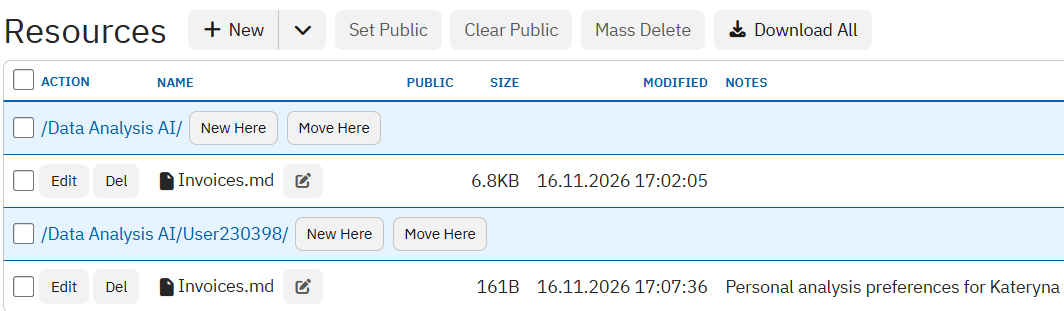
Before each analysis, the AI reads the file. It applies everything stored there to the new request. Your rules become part of how it thinks about your data.
Manage your preferences right from the chat
You don’t need a special command or a settings page. Just talk to the AI the way you’d talk to a colleague. For example:
From now on, always show amounts in USD with no decimals.
Don't include invoices with the status "Draft" in any report unless I ask for them.
I prefer a short summary first, then the table. Skip charts unless I ask.
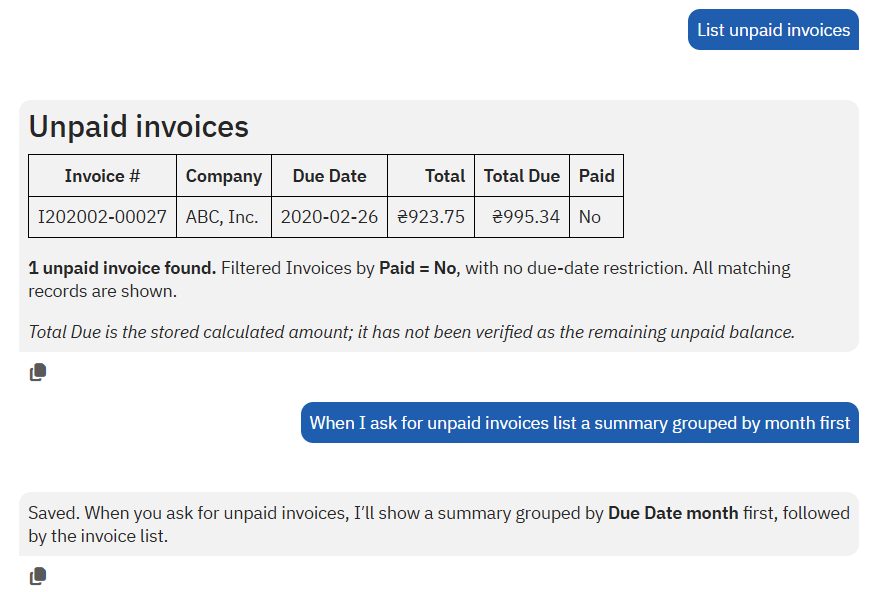
The AI recognizes that this is a lasting rule, not a one-off request. It updates the preferences file and confirms what it saved. Changing your mind works the same way. Say “Stop excluding drafts” or “Forget the rule about decimals”, and the AI edits or removes that line.
What you can teach the AI
Good data analysis preferences are rules you’d otherwise repeat in every chat. A few ideas:
- Formatting: currency, rounding, date format, or number units.
- Structure: summary first or table first, charts on or off, a fixed set of columns.
- Data scope: records to always exclude, the default period, or which date field counts as “the” date.
- Terminology: what “active customer” or “overdue” means in your business.
- Things to avoid: no new columns without asking, no guessing when data is missing.
Keep each rule short and specific. “Exclude drafts” works better than “only show real data”.
Why it matters
Preferences turn the AI from a fast stranger into an assistant that knows your style. You spend less time correcting and more time reading results. Reports look consistent from one week to the next. And because the rules live in the database, not in someone’s head, they don’t vanish when a chat closes.
It also pairs well with saved data analysis prompts. Saved prompts describe a specific report. Preferences describe how you like every report done. Together, they let you rerun an analysis in one line and get it in exactly the shape you expect.
Try it
Open Data Analysis in your TeamDesk database and run a normal request. When the result needs a fix you’d want every time, say so and add “from now on”. The AI will save it. Your next analysis will already follow the rule.