
User Mode: Tables and Forms
Records are added to tables, edited, and viewed with the help of Forms. For example, if you have a table storing information about many contacts:
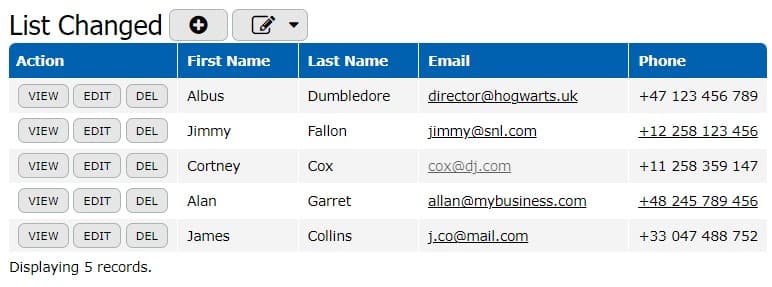
So, information about every single contact is reflected in a form.
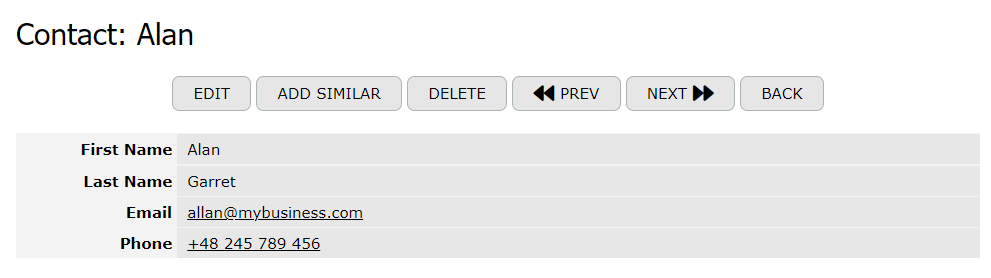
A Form is essentially a set of fields; each field specifies a certain property of the record. For instance, in the Clients table, you can view detailed information about John Doe. Thus, forms are associated with tables: each form field corresponds to a certain table column.
A single form is used for both Edit and Preview modes. You can customize the form behavior to control how fields and other elements are displayed or behave in each mode.