
New Section
If you want to organize form elements into separate groups, you can add a new section. A section acts as a separator for form elements.
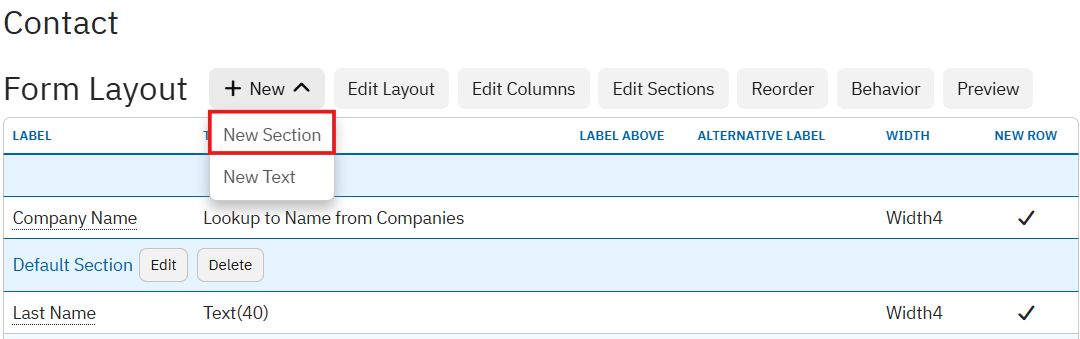
To add a new section to the form, click New > New Section.
In the Label field specify the section name. To select a color, click on the Color icon, and choose a color from the palette that opens in a new window.
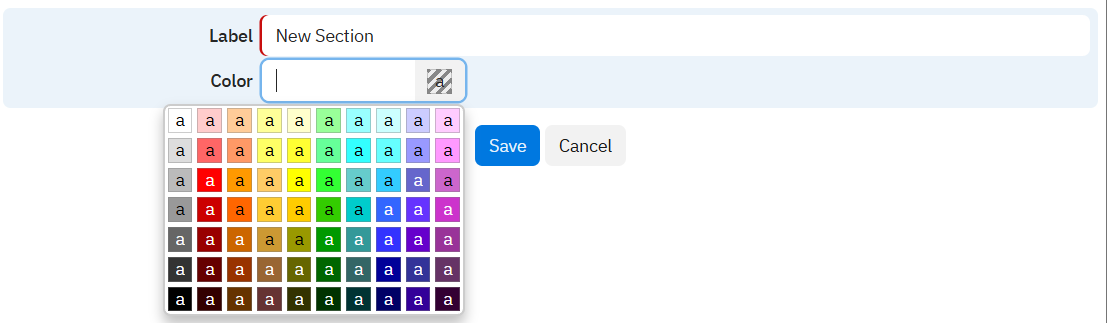
TeamDesk provides a color that’s lighter to highlight the values in the section and an even lighter color to highlight the section background. When no color is set, TeamDesk uses the default shades-of-gray scheme.

To group elements within a new section, drag and drop them into the section on the layout, or reorder them by placing the Section element before the fields you want to include in that section.